

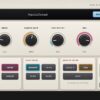

Description
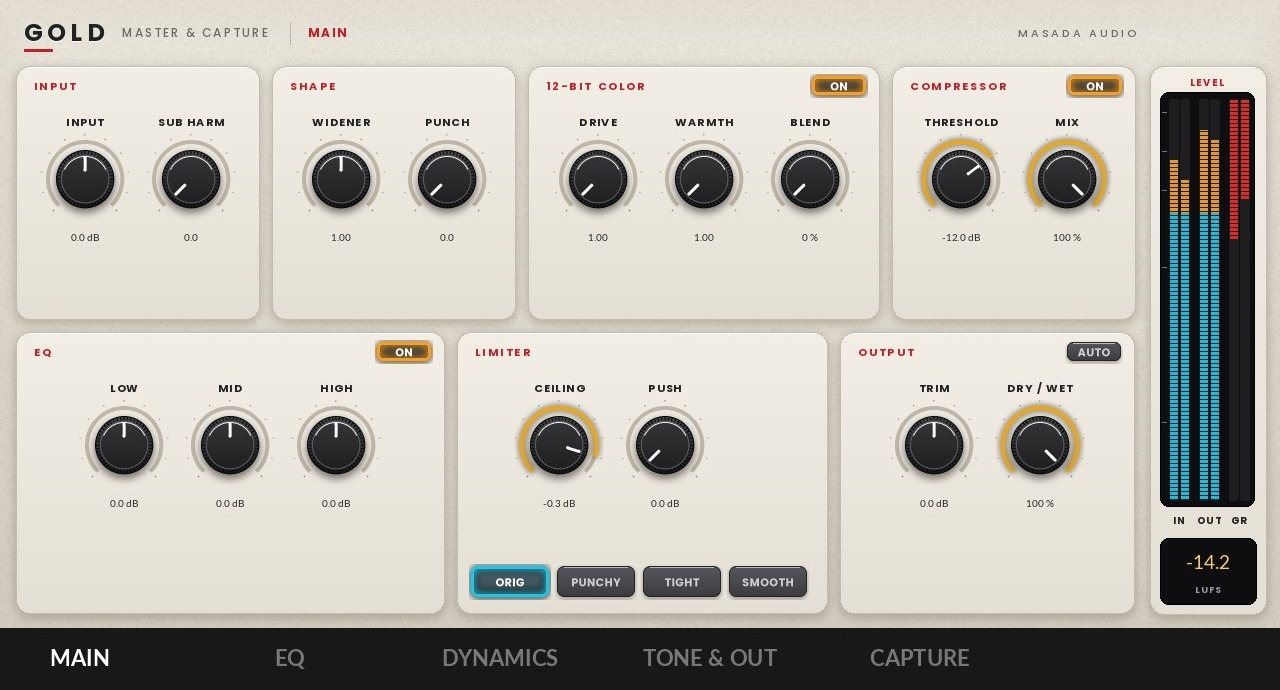
Gold for MPC: master and capture
Finish a beat right on the MPC. Gold puts a full master chain on an insert: EQ, dynamics, tone and output stages, plus a capture recorder that saves your performance straight to the MPC’s drive and exports it when you are done.
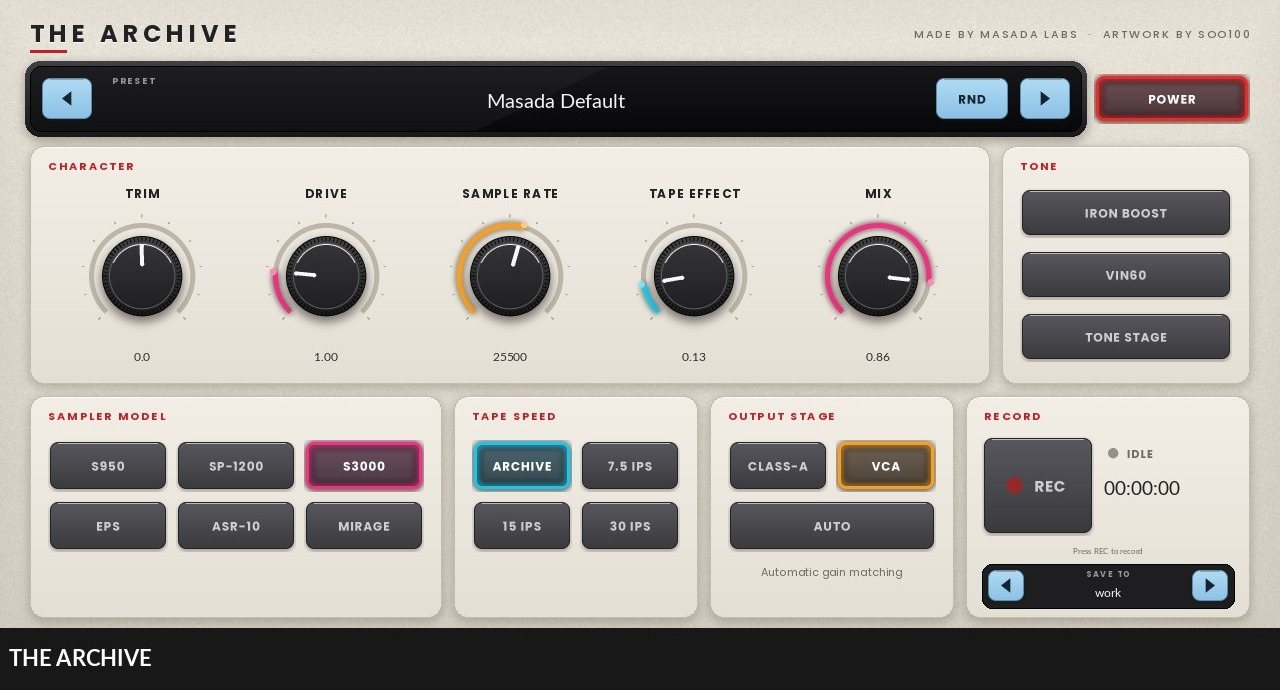
The Archive for MPC
The sound that started Masada Audio, on your MPC with its sound untouched. Trim, Drive, Sample Rate, Tape Effect and Mix up front, Iron Boost, Vin60 and Tone Stage for color, six sampler models, four tape speeds, two output stages with automatic gain matching, and a recorder that saves to any drive.
What you get
- Gold for MPC and The Archive for MPC, each as its own download
- Your license already inside each one: no internet, no activation
- Every MPC you own: MPC X, Live, Live II, Live III, One, One+, Key 61, Key 37 and XL
- Free updates: download again any time from your order email or the MPC page
How to install
- Update your MPC to MPC OS 3.10.1 or later (Preferences > Info shows your version).
- On the MPC, go to Preferences > Enhancements (Beta). Turn on Enable Enhancements, then VST2 Support.
- Download both plugins from the links in your order email. Unzip each one on your computer.
- Copy each folder whose name starts with “MASADA AUDIO – VST” into a folder named exactly “VST2 Plugins” at the top level of a USB stick or SD card.
- Put the stick in your MPC and restart it.
- Add an insert effect and open the plugin browser. Gold and The Archive are under External VST Plugins.
Shows up twice in the plugin browser? There are two copies on different drives. Delete the older folder from “VST2 Plugins” on one of them and restart the MPC.
This is a digital download. All sales are final.


Reviews
There are no reviews yet.